DISCOVERERS · MEMBERS
Batteries Not Included member activityDesign a robot
Design a robot to solve a real problem and explain its features. Predict, test and explain what you discover.
The Sage Dad · Everyday play
Take it to the table.
Included with your paid The Sage Dad subscription. Verify membership to download.
One low-ink printable activity sheet. Designed for home or classroom use.
A SIMPLE START
Print it and begin.
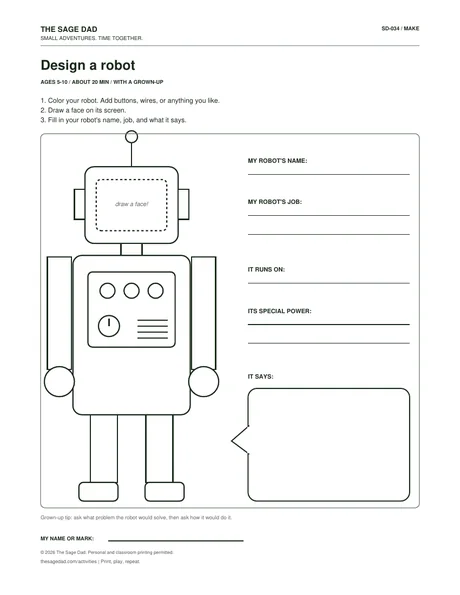
Start with the robot on the page and decide who it becomes. Add buttons, wires, colors, and a face, then give it a name, a job, a power source, a special ability, and something it always says. The best follow-up question is simple: what problem does your robot solve?
Children practice functional design and creative problem-solving.
Leave room for their version.
Ask what problem the robot would solve, then ask how it would do it.
What children will do
Design a robot to solve a real problem and explain its features.
How to guide the activity
Choose a job for the robot and draw features that could help it do that job. Add a name, a power source and a special ability. Ask how one feature solves the chosen problem, then let your child revise the drawing when a new idea appears.